


Archive - read only |
| uCoz Community Archives Archive If you can't log in after the update (uNet, Webtop, Control Panel login) |
| If you can't log in after the update |
So, here I’ll try to answer to a very urgent question after the update – "How can I log in to my website?".
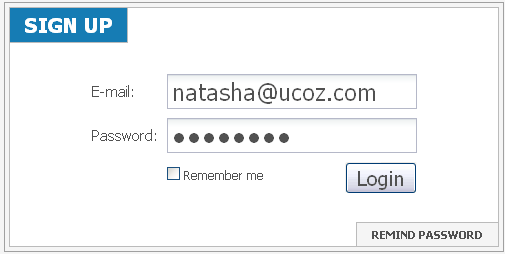
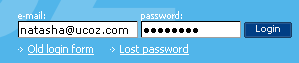
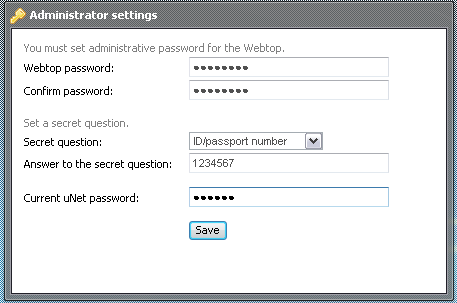
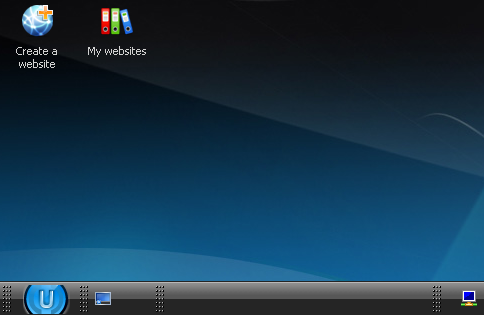
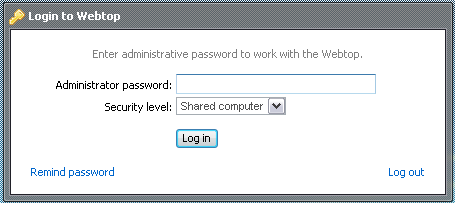
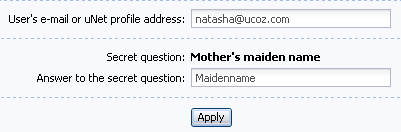
First of all, you must understand that now we have three units with separate usernames and passwords. 1. uNet After the global upgrade all users with confirmed e-mails have got profiles in uNet. A uNet username is an e-mail used to register a website, and a uNet password is the password to the Control Panel of your website. If you had several websites registered to one and the same e-mail the system has chosen one of the Control Panel passwords. Profile owners must have received an e-mail with the information on which password has been chosen by the system (from which website). You can get into your uNet profile in two ways: By following the link unet.com: and entering your e-mail and password into the form that will appear: Or from uCoz.com main page: After these actions you’ll get to Webtop. If it’s your first login you must set a Webtop password and a secret question/answer: And then you will see your Webtop: Now, in case of session timeout all you need is to refresh the page and the session will be resumed: If you are logged out and an authorization form appears: enter the password that you have set for Webtop. Note: not uNet password!
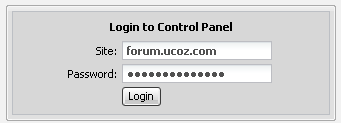
How to enter your Control Panel. The same way as you used to do this before the update. (The username is entered automatically; it’s your full website address now. The password is the same as before the update): Or from uCoz.com main page by means of the Old login form: And here is your Control Panel: If you have changed a website owner trying to gather all your websites within one Webtop, then the Control Panel password and the secret question HAVE BEEN CHANGED to the Webtop password and secret question.
So, we have three passwords:
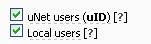
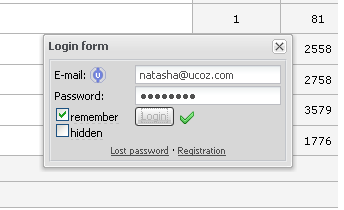
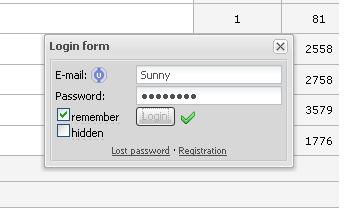
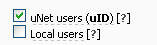
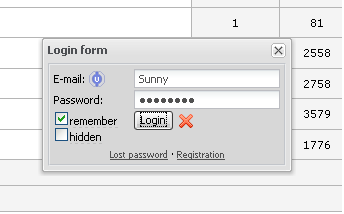
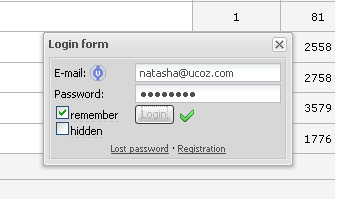
And now about usernames/passwords of your website users. Several situations are possible: 1. Your website supports both local and uNet users: In this case a user can log in either as a global (uNet) user: or as a local user: 2. If you disable local users: a user won't be able to log in by means of a local username/password: But! If he/she specifies an e-mail (used when registering) as a username and a password the system will accept him/her: Attention! This will work only if the e-mail is confirmed! I'm not active on the forum anymore. Please contact other forum staff.
|
Sunny,
hey which password do i have to put in current unet password??? |
I did it but tell me that the unet password is same as of our control panel.So if i enter my control panel pass there then is it safe it means that i m giving my control panel password there.
So is it safe??? i just wanted to know |
warezparadise, I think it's safer to have different passwords. You can change your CP password in CP -> Security -> Change account password. Besides you can use Secure login form at your Webtop (it's a new feature) - it will make safe your login to all websites that support uID.
I'm not active on the forum anymore. Please contact other forum staff.
|
I had my site before ucoz made updates. Now i try to log in from my administrator account and it doesn't let me. Though I type there correct password.
In control panel, I can enter. but can't from administrator account. Can anyone help how to solve this problem? |













| |||
